Clip the secondchat loses it.

Spikecut watches the stream on your Mac. When chat suddenly explodes, it cuts that exact moment into a vertical short with captions, a hook and three thumbnails. Ready before the streamer stops laughing.

watching 2 streams chat 6 msg/s spike 1.0×
clipped · 7.4× chat

From chat spike to finished short.

You pick the streamers. Spikecut keeps the last twelve minutes in memory and reads chat speed every second. Nothing is edited by hand.

01

Watch

Records Twitch, Kick and YouTube streams in a rolling buffer and follows the live chat.

02

Detect

Compares chat speed and hype words to the stream's own normal. A real spike, not a busy minute.

03

Cut

Takes the setup before and the reaction after, and ends on the payoff. 61 to 90 seconds.

04

Finish

Facecam on top, gameplay below, word-by-word captions, hook and progress bar. 4K at 60 fps.

05

Review

Lands in your Studio with title, description and credit. You post it, or let it post on schedule.

One moment. Everything you need to post it.

  • short_9x16.mp4TikTok and Reels. 4K, 60 fps, loudness-matched.
  • short_yt.mp4A 59-second cut for YouTube Shorts that still ends on the payoff.
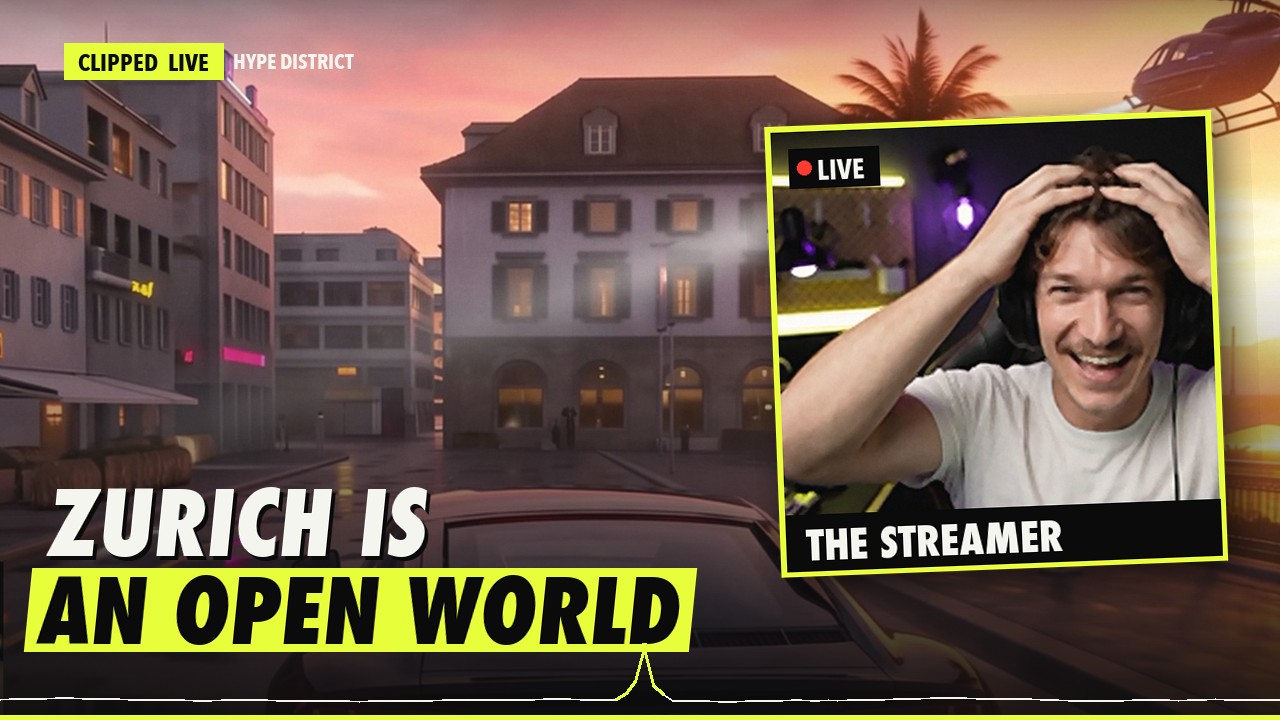
  • thumb_a · b · cThree thumbnails in 16:9, 9:16 and 4:5, built from real frames of that second.
  • POST.mdTitle, description, hashtags and the creator credit, ready to paste.
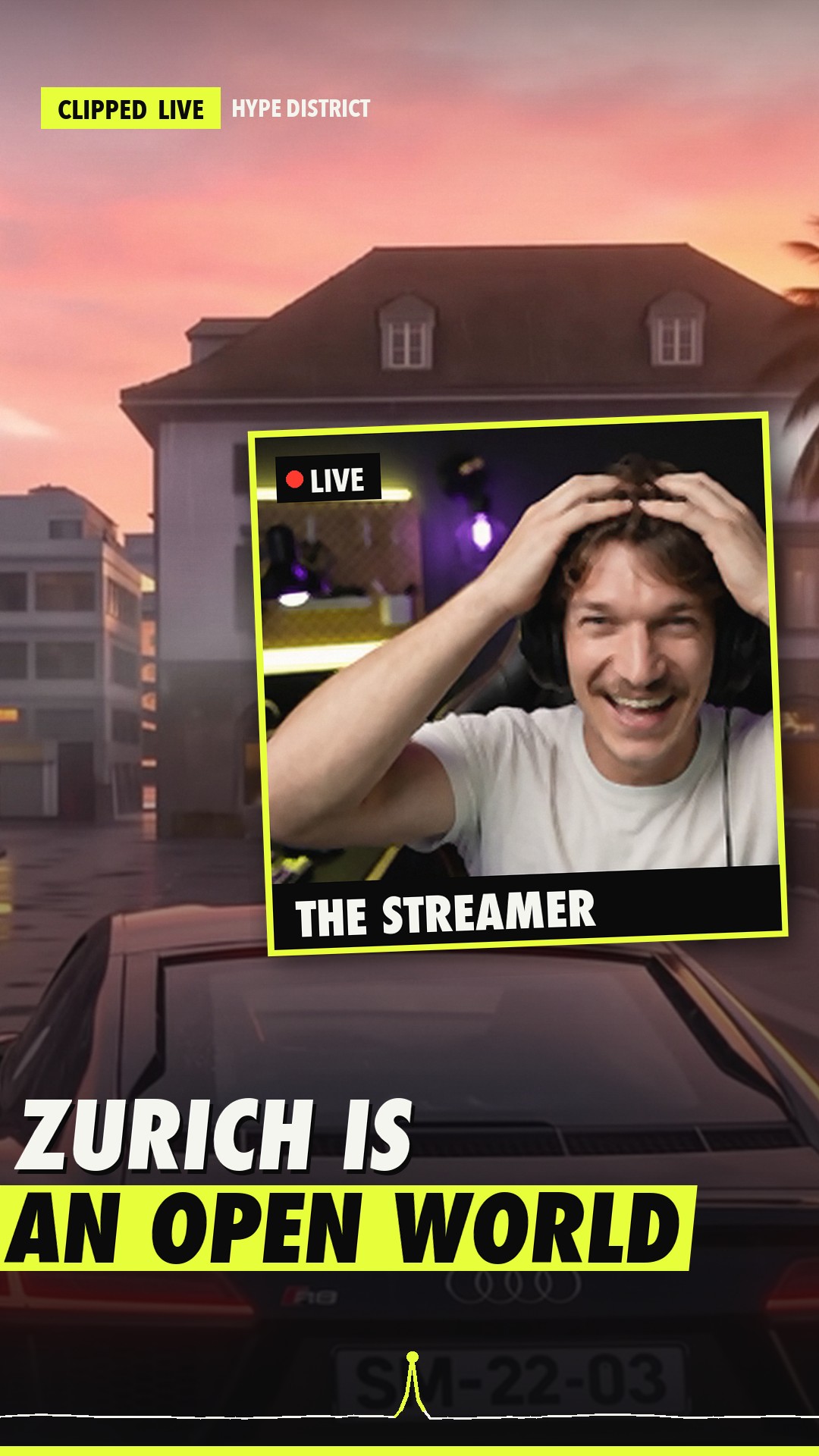
Example 16:9 thumbnail: ZURICH IS AN OPEN WORLD, with the streamer webcam
YouTube 16:9
Example 9:16 cover of the same moment
Shorts cover 9:16
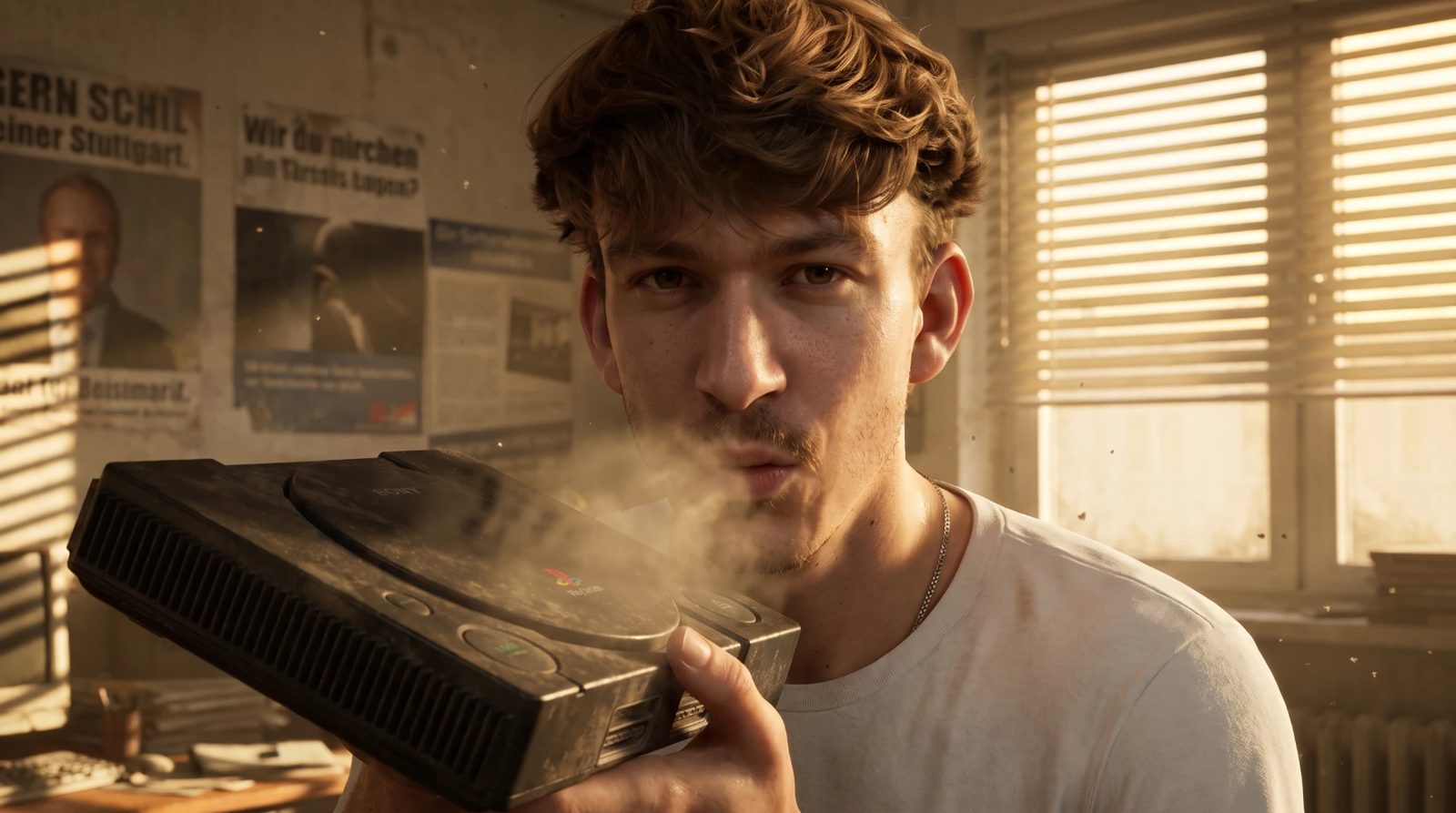
The founder blowing dust out of an old console

Built by a clipper who got tired of scrubbing timelines.

I run the clip channel Hype District. Spikecut is the tool I built so I'd never miss a moment again, and it's what makes every one of our shorts.

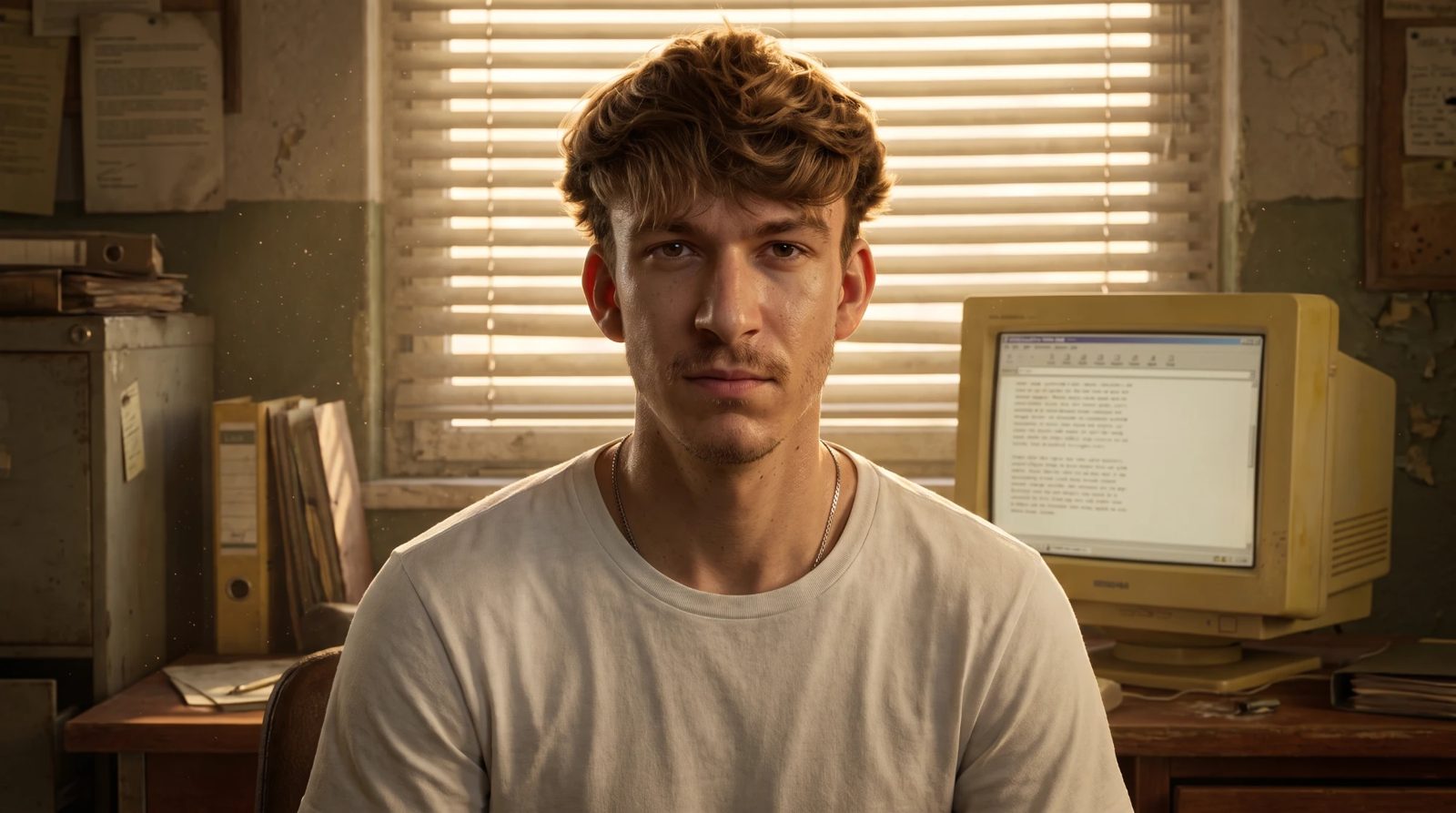
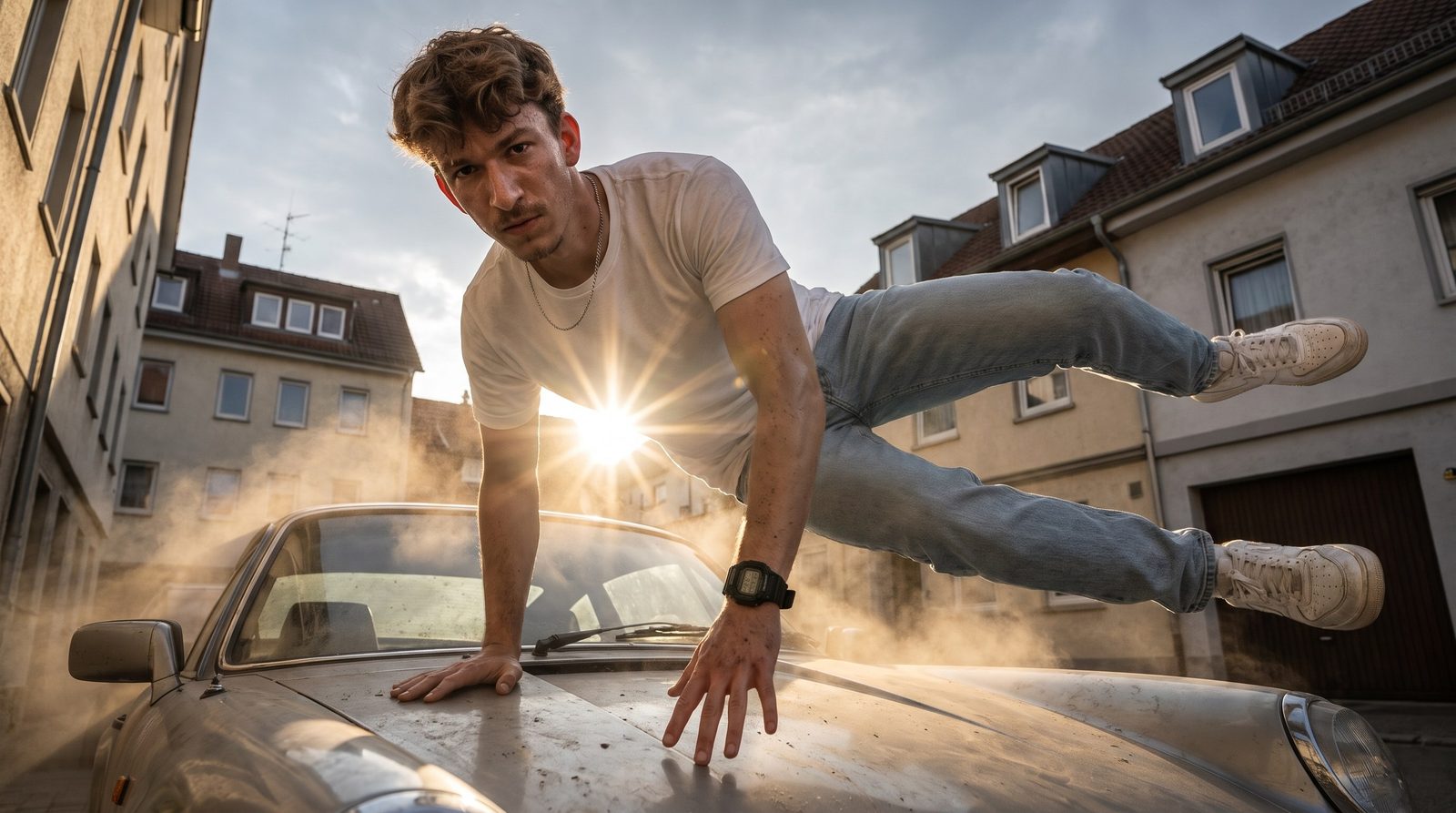
At the desk in front of an old monitor Jumping over a car bonnet

Runs on your Mac

Streams, clips and keys stay on your computer. No cloud editor sees your footage.

You decide what goes out

Every clip waits for your review first. Auto-posting is off until you switch it on.

Credit built in

Every description names the streamer. Clip creators who allow it or run a clipping programme.

Official uploads

Posts through the YouTube, TikTok and Instagram APIs. No password sharing, no bots.

Cheaper than one hour of an editor.

Starter

$14.99 /mo
  • 1 streamer at a time
  • Captions, hooks and thumbnails
  • Post to 1 platform
  • VOD and file mode
Subscribe to Starter

Creator

$29.99 /mo
  • 3 streamers at once
  • TikTok, Reels and Shorts
  • AI editor with virality score
  • Weekly long-form compilation
  • Your fonts and brand overlay
Subscribe to Creator

Agency

$79 /mo
  • 10 streamers, several channels
  • Several accounts per platform
  • Priority support
  • Made for clipping campaigns
Subscribe to Agency

Checkout opens soon. Join the list and you'll get your launch price by email.

Questions people ask first.

Am I allowed to clip other streamers?

Many streamers want to be clipped and even pay for it through clipping programmes. Get permission or join those programmes; without it you risk copyright claims. Spikecut writes the creator credit into every description.

What computer do I need?

A Mac with Apple Silicon and 16 GB of memory works best. Each stream needs about 1–2 GB of free disk space for its buffer.

Does it post by itself?

Only if you switch it on. It uses the official YouTube, TikTok and Instagram APIs. Until then every clip waits in your Studio for review.

How is payment handled?

Checkout runs on Stripe's own secure page. We never see or store your card. You can cancel any time from the link in your receipt.

Which languages work?

Speech is detected automatically in over 90 languages, and captions and titles follow the stream's language.

Is Spikecut connected to any game or platform?

No. It's an independent tool, not affiliated with Rockstar Games, Take-Two Interactive, Twitch, Kick, YouTube, TikTok or Meta.

The next viral moment
is tonight.